
App Store · iPhone · iOS 17+
Water out of your speakers, in seconds.
A calibrated 165 Hz tone and a frequency sweep push trapped water and dust out of the grille. Then the app listens and tells you whether it worked.
Free to start · Works offline · 14 languages
01 · Features
Everything to clean and test a speaker.
Trapped water muffles a speaker after a splash, rain or the pool. Clear Wave pushes it out with precise tones, then proves the sound is clear again.
01
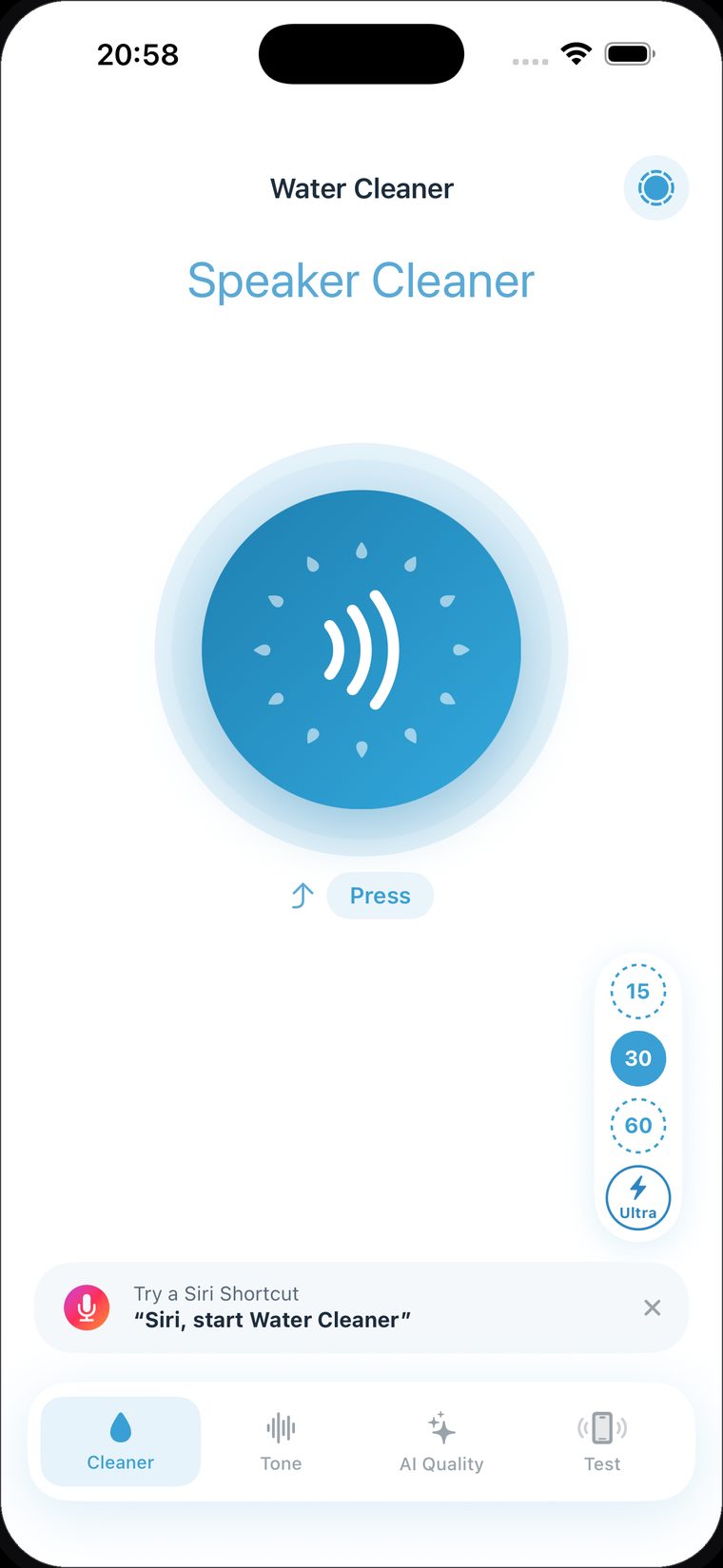
Speaker water eject
A tuned 165 Hz tone and a frequency sweep vibrate trapped water and dust out of the grille. The same technique smartwatches use, built for iPhone.
02
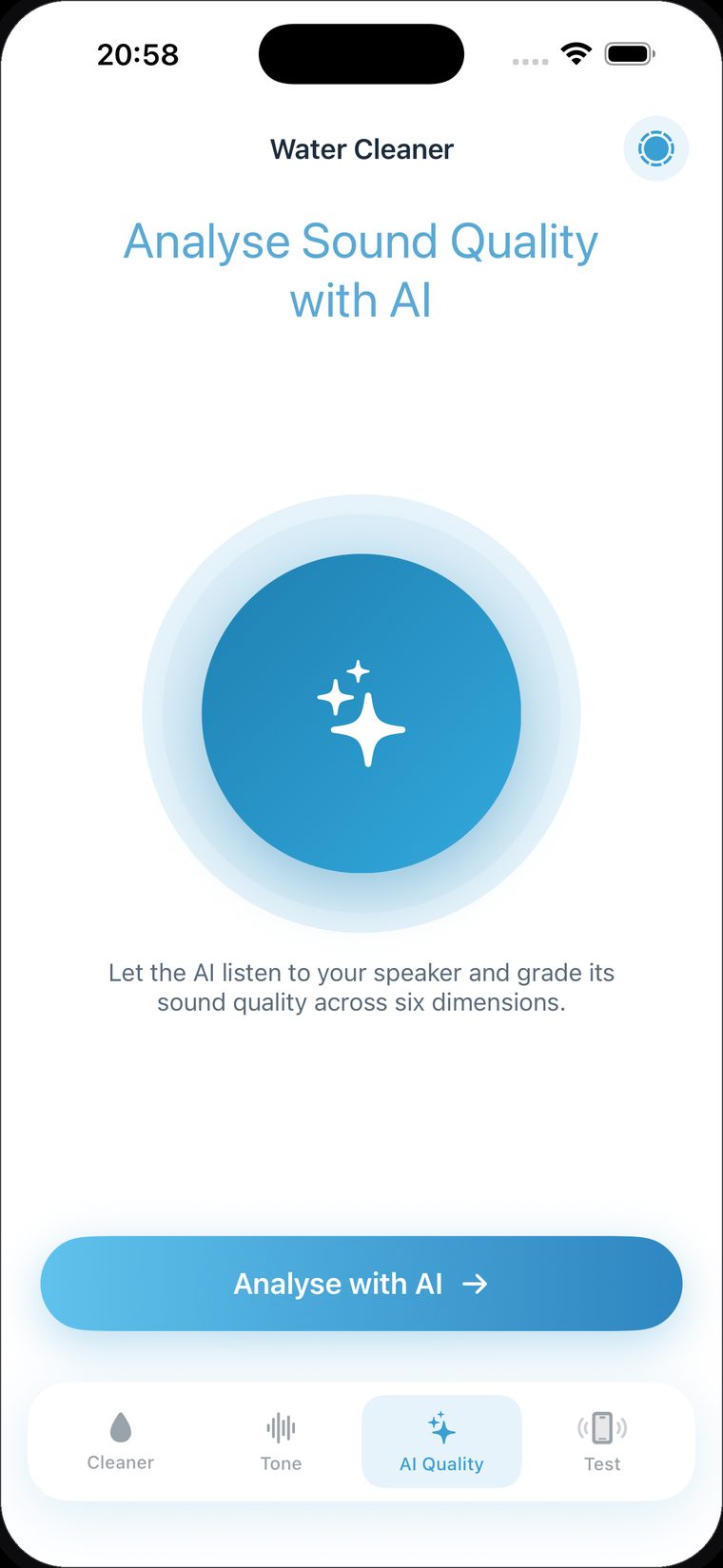
Sound analysis
The app plays test tones, listens through the microphone, and grades the speaker across six dimensions: clarity, loudness, balance and more. It runs on the phone.
03
Tone generator
Any frequency from 10 Hz to 20 000 Hz. Swipe to fine-tune, for cleaning, testing, or moving dust with precise control.
04
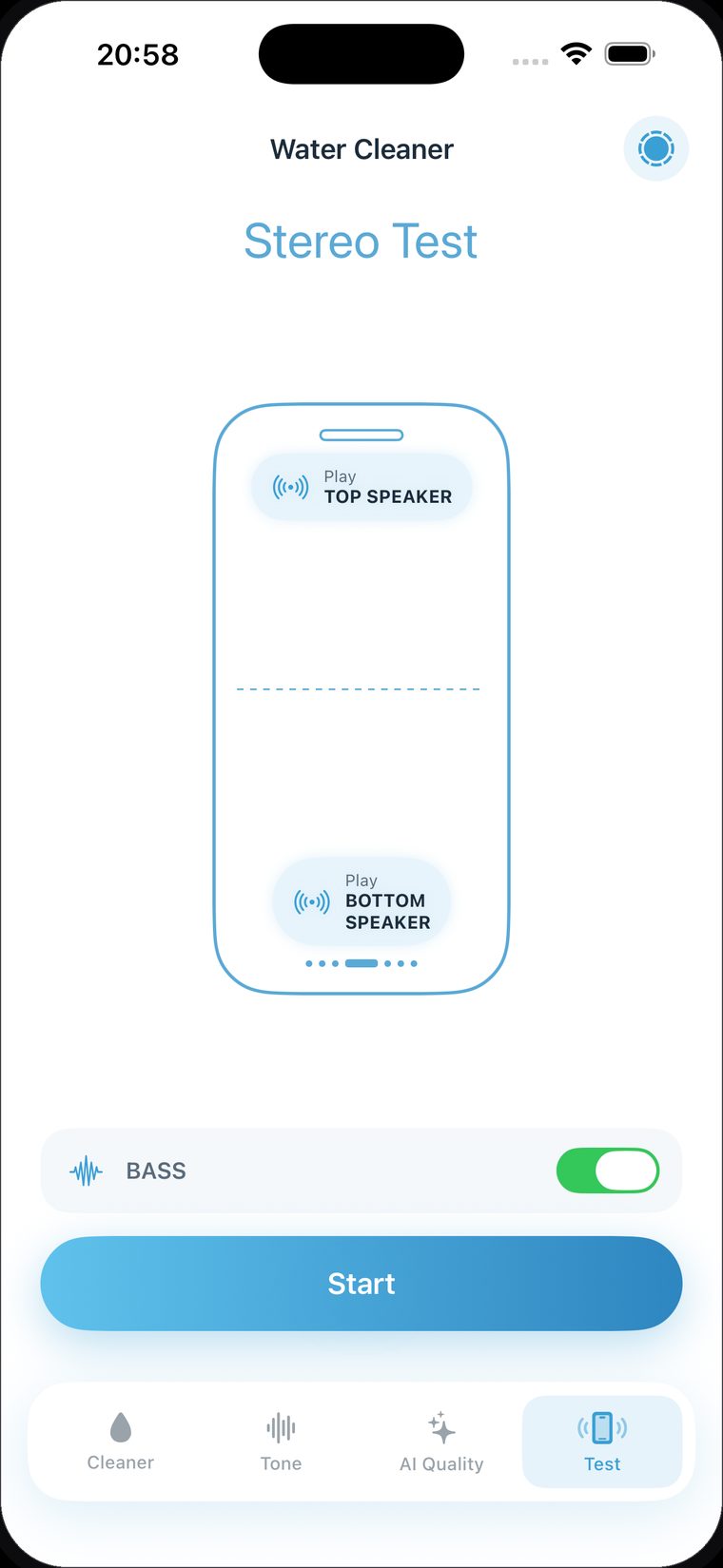
Stereo speaker test
Test the top and bottom speakers independently, with bass boost. Hear at once whether one side is muffled or blocked.
05
Ultra clean mode
A stronger, longer cycle for stubborn water after a deep splash. Maximum vibration to clear every drop.
06
Reminders and Siri
Set cleaning reminders and start a clean hands-free with "Siri, start Clear Wave". Quick, private, works offline.
02 · How it works
Three steps. Clear sound every time.
Step 1
Turn the volume up
Set the volume to maximum and point the speaker downward. The cleaning tone works best at full volume.
Step 2
Run the cleaning tone
Tap to start. The 165 Hz tone and the sweep vibrate water and dust out of the grille over a short cycle. Repeat, or use Ultra for stubborn water.
Step 3
Check the result
Run the sound analysis and the stereo test to confirm the speaker is clear, loud and balanced again.
03 · Questions
Frequently asked.
Does Clear Wave really remove water from my speaker?
Yes. Clear Wave plays a precise low-frequency tone (around 165 Hz) plus a sweep that vibrates the speaker membrane, pushing trapped water droplets and dust out of the grille. It is the same principle Apple Watch uses for its water-eject feature, tuned for iPhone speakers. For best results set the volume to maximum, point the speaker downward, and repeat if needed.
Is Clear Wave free?
Clear Wave is free to download and includes core cleaning. A subscription unlocks unlimited sound analysis, Ultra clean mode and an ad-free experience, with weekly, six-month and yearly plans, including a free trial.
Is it safe for my speaker?
Yes. Clear Wave uses normal audio playback at frequencies and volumes your speaker is designed to handle, nothing that can damage the hardware. It uses vibration to move water out. If the phone was fully submerged, let it air-dry as well.
How does the sound analysis work?
The phone plays test tones while the microphone listens, and the app grades the speaker's sound quality across six dimensions such as clarity, loudness and balance. It runs on the device and is a quick way to confirm the speaker is clean and working.
Which languages are supported?
Clear Wave is localised in 14 languages, including English, Turkish, Spanish, German, French and Japanese.
How do I cancel my subscription?
Manage or cancel anytime in iPhone Settings, Apple ID, Subscriptions, Clear Wave. Access continues until the end of the current billing period.
Download
Get your speakers clear again.
Free to start. Eject water in seconds and check the sound on device, in one app.